
Confirm Custody Notifications
Read before you react. When an alert lands, check the event type, the facility, and the time. Release and transfer mean different things. A transfer can move a person to another jail or authority while custody simply continues. If a notice looks odd, confirm it through contact details the facility publishes itself. Never use a number that arrives only inside an unexpected message.
An alert says nothing about bond, court dates, protective orders, or how a case ends. MyCase and the Ohio County Clerk cover public court activity instead. Write down the alert time and any confirmation call. Automated data can trail the real event.
Other Custody Search Systems
One system cannot cover every agency. Indiana state custody after sentencing runs through the Department of Correction offender locator. Federal Bureau of Prisons uses its own official locator. ICE custody uses its own as well. Pick the system that matches the agency holding the person. When that agency is unknown, ask the Ohio County Sheriff where custody transferred. None of these tools serves as an Ohio County booking-photo feed.
Guard the account details. Phone number, email, and PIN belong only on the official Indiana VINELink route. Never post an alert screen or any private safety plan. Alerts themselves are free. Any demand for money to keep an alert, cancel a warrant, or erase a record deserves suspicion. Verify through a government-published number.
Custody Searches Need Rechecks
A fresh arrest moves in stages. The sheriff records it first. Transport and intake come next. Then the receiving jail builds its custody record and feeds the connected systems. Search during that handoff and you may get no match even though detention continues.
Once the legal spelling and destination are confirmed, search again with care. Repeated searches never replace a call to the jail. If release already happened, follow the case through the court docket rather than expecting a custody record to stay up.
VINELink Coverage for Ohio County
Indiana SAVIN delivers victim notification across the state through VINELink. Its FAQ promises real-time custody status in all 92 Indiana counties. Ohio County adds a wrinkle. The county operates no jail. Someone arrested by the Ohio County Sheriff may surface under whichever facility receives them.
The official state report names Switzerland County as the usual destination. It is not the only one. The Switzerland County Sheriff VINE page confirms participation. It also gives confidential notice of release, transfer, or escape. When the sheriff names the actual receiving facility, search that one directly.
Check an Ohio County Arrest
Use the Indiana VINELink search for a single person. Bring the legal name plus any identifier the interface requests. A bare name can return a false match.
- Open VINELink and confirm Indiana is selected.
- Choose the person or custody search.
- Enter the full name or available identifier.
- Compare facility, status, and identifying details.
- Contact the sheriff or receiving jail if recent facts conflict.
Unknown receiving county? Start with the 24 Hour Arrests chain. It begins at the arresting office. Then it follows the transfer.
The VINELink interface handles Indiana searches and alert registration.
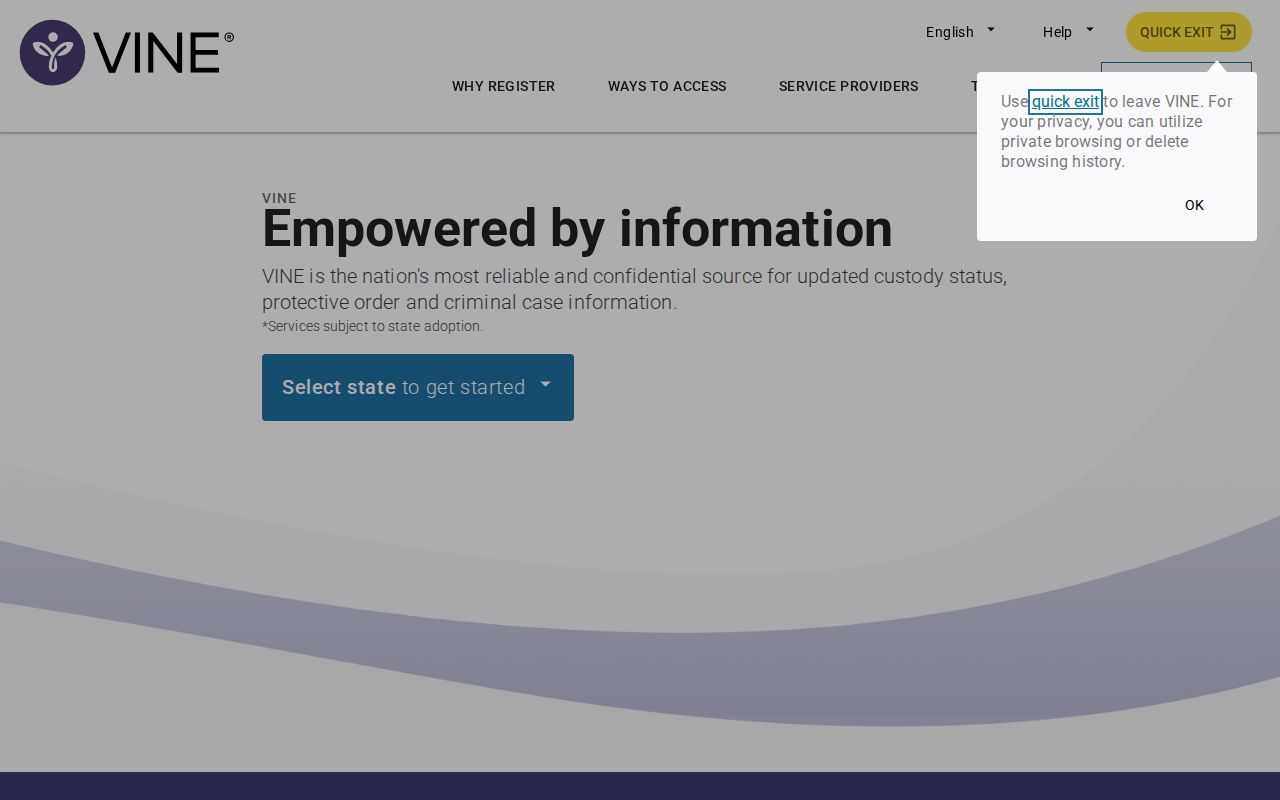
The capture supports a specific-person check, not a list or gallery of arrested people.
VINELink Custody Record Fields
Fields shift with agency and record, so read the labels. Never assume VINELink holds a complete arrest file.
| Detail | Meaning |
|---|---|
| Name or ID | Helps confirm the person. |
| Custody status | Status supplied by the custody agency. |
| Facility | The jail or prison tied to the record. |
| Status event | May report release, transfer, or escape. |
| Notification | Registration offered for the selected record. |
Transfer means custody moved somewhere new. Release means detention ended, nothing more. The sheriff's arrest report and the court docket stay separate. For filed charges and outcomes, use the Ohio County arrest records paths.
Register for Custody Alerts
Open the matched record and pick notifications. The receiving-county page describes telephone and email notice and keeps registration confidential. Newer channels may appear in the current interface.
- Verify the person and facility.
- Select release, transfer, escape, or other available events.
- Enter the requested phone or email.
- Create and keep any PIN or confirmation.
- Complete the confirmation step.
Keep the PIN private. An alert prompts you to verify, not a promise of exact timing or safety. In an emergency, call 911.
Indiana SAVIN Phone Access
The Indiana SAVIN FAQ lists the call center at 1-866-891-0330. The Switzerland County page still shows 1-866-959-VINE. Trust the state FAQ number as current. Check the older county instruction before using it. The official Switzerland County VINE page records participation, confidentiality, and alert events.
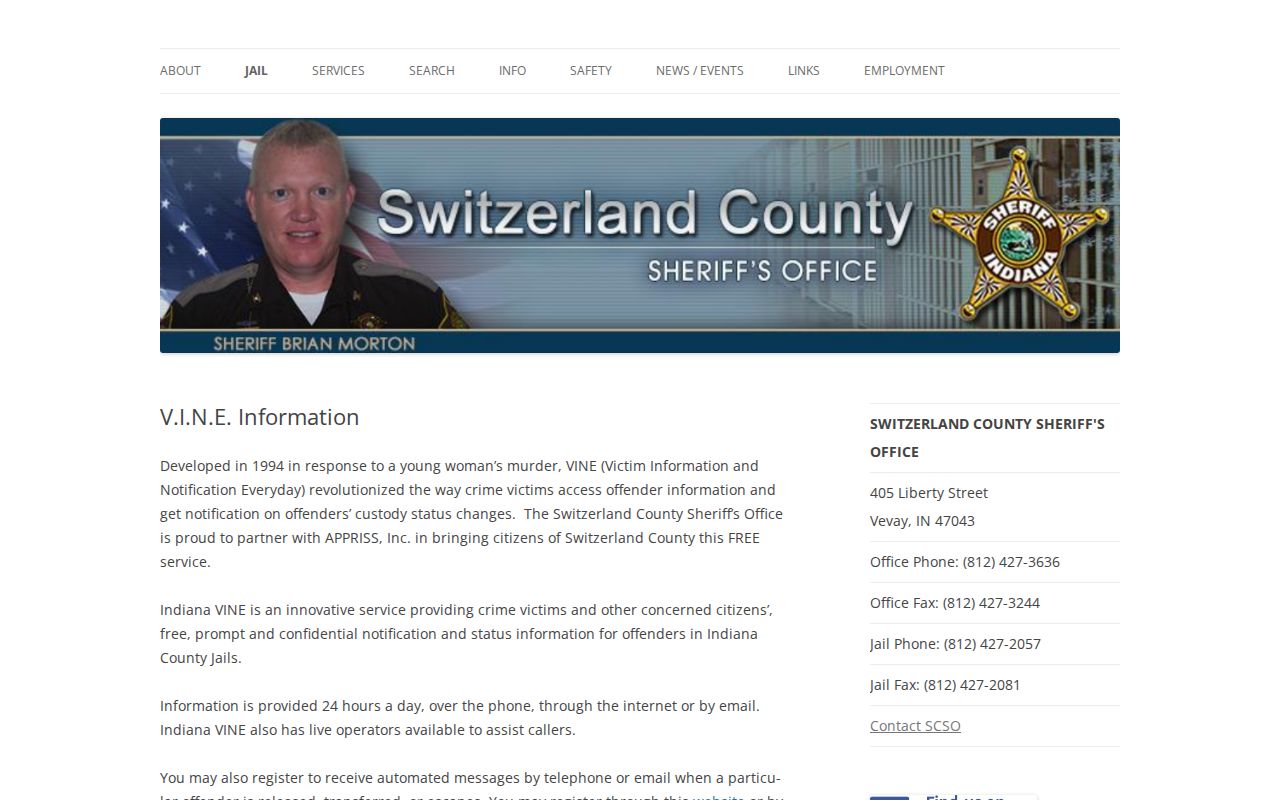
The local page confirms participation while the state FAQ supplies the current support route.
Search the Receiving County
An Ohio County arrest often creates two linked records. The sheriff keeps the arrest and transport details. The receiving jail controls booking, custody, transfer, and release data. VINELink draws on that custody source, so searching for an "Ohio County Jail" is the wrong model.
Ask the sheriff at (812) 438-3636 where the person went. Switzerland County? Compare VINELink against the official jail information. Another county received them? Contact that agency directly. Destinations shift with space, medical needs, classification, or extra holds.
When a fresh transfer has not shown up yet, the receiving-jail information gives a direct contact.
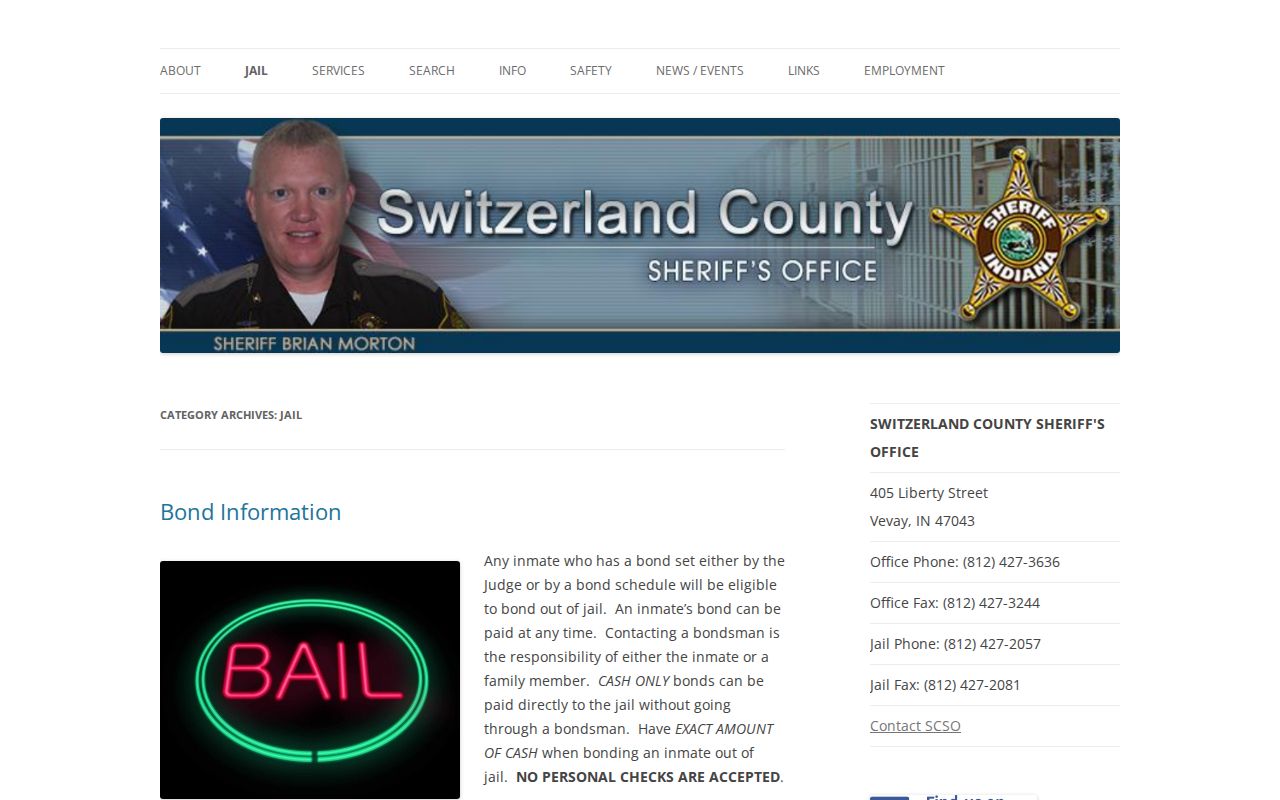
Direct verification can resolve a move before an automated status updates.
Why VINELink Shows No Result
A blank result has several explanations. Release may have already happened. So may a transfer. The person could sit under another spelling or before the latest update. Custody might even rest with a federal or immigration system outside the county-jail path.
- Confirm spelling and identifiers.
- Ask the sheriff for the destination.
- Call the receiving jail.
- Search MyCase later for court activity.
- Use BOP or ICE locators when applicable.
Before widening a name search, check whether an unclear result is actually plausible. Match the facility, dates, and any identifiers against what you already know about the Ohio County arrest.
VINELink Limits After Arrest
VINELink is a status tool, not a records archive. It can lag behind a transfer, and it may show that someone is in custody without naming the charge. It also leaves out many federal and immigration custody records, so an arrest elsewhere may not appear at all.
- Booking
- Facility intake after an arrest.
- Custody status
- Whether and where a person is reported held.
- Transfer
- A move between facilities or agencies.
- Disposition
- The court’s final handling of a charge.
Anyone who signs up for alerts should verify each notice with the agency holding the person. Keep in mind that a release from jail does not close the underlying court case.
Search Public Records
Sponsored Results